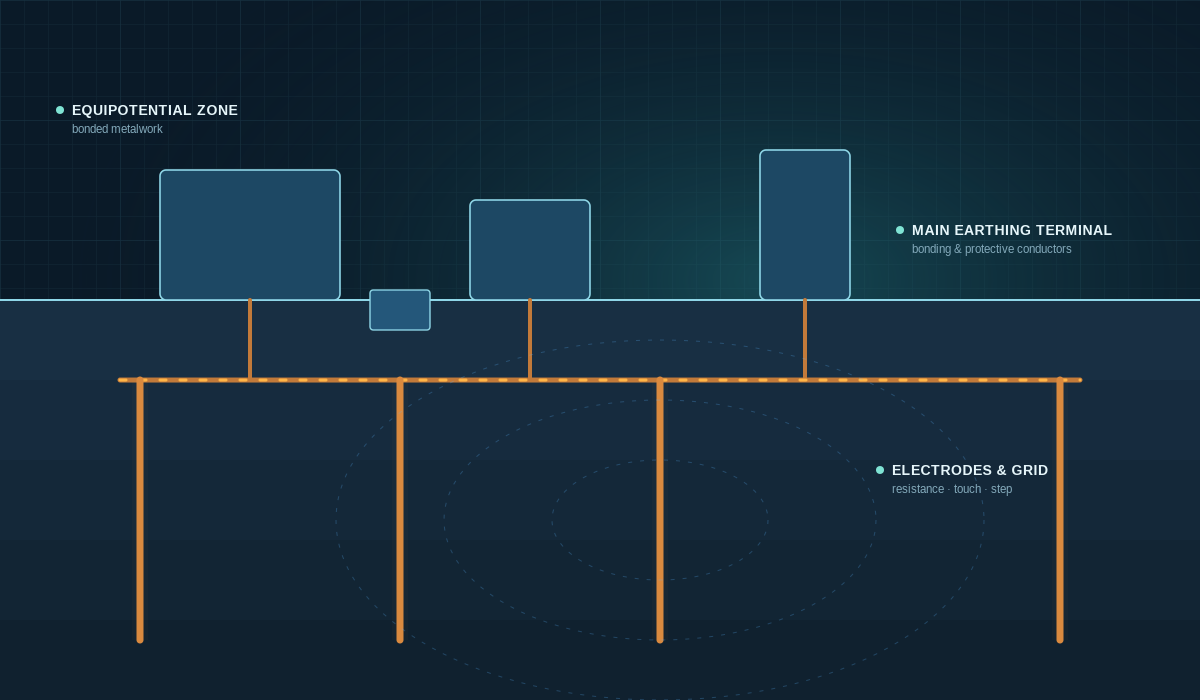
Understand protective earthing, bonding, electrode systems and inspection records. This guide provides a structured field and engineering review framework. Apply the sequence to the approved scope and record project-specific requirements separately.
01Purpose and terminology
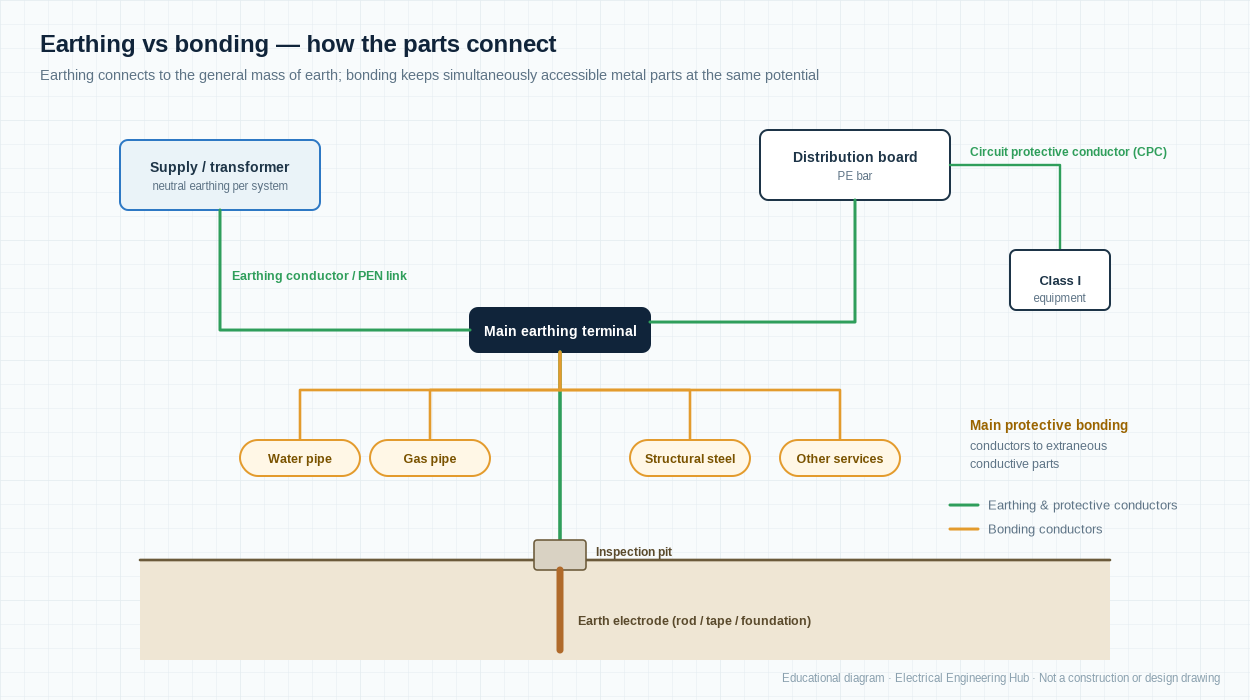
Protective earthing provides a fault-current path and supports automatic disconnection where the system design relies on it. Bonding connects conductive parts to reduce dangerous potential differences. Definitions and requirements depend on the adopted standard and earthing system.
02System arrangements
Identify the project's TN, TT or IT arrangement and the source/neutral earthing method. Do not assume the same fault path or disconnection method across different arrangements.
03Installation coordination
Review main earthing terminal, protective conductors, equipment bonds, cable armour/screen treatment, structural bonds and electrode connections against approved drawings and calculations.
04Inspection and testing
Inspect conductor continuity, connections, corrosion protection, labels and accessibility. Earth electrode resistance testing and protective-conductor continuity testing are different activities with different methods and acceptance criteria.
05Records
Record test instrument, calibration, test method, test point, actual reading, weather/soil conditions where relevant, acceptance reference and witness.